
STEP 01
Prove the Bloat (Polydyno)
Audit your Python repo on the Polydyno bench—measure input/output prompt_tokens drift and prove AST-eligible context bloat before you rewire agents or buy seats.
Get PolydynoLOCAL AST ENGINE • ZERO API TAX • ED25519 SIGNED MAPS
Standard AI wrappers flood frontier models with redundant boilerplate. Polycracker cuts token consumption by 50–70% on your own machine with zero context loss—making AI faster, leaner, and sustainable.
Polycracker combines deterministic AST pruning, MCP wastegate filtering, and executive-grade cost control: measure token usage with Polydyno, mint signed maps in The Tuning House, and deploy the zero-telemetry Windows ECU to cut runaway API spend, 429 TPM limits, and agent thrashing.
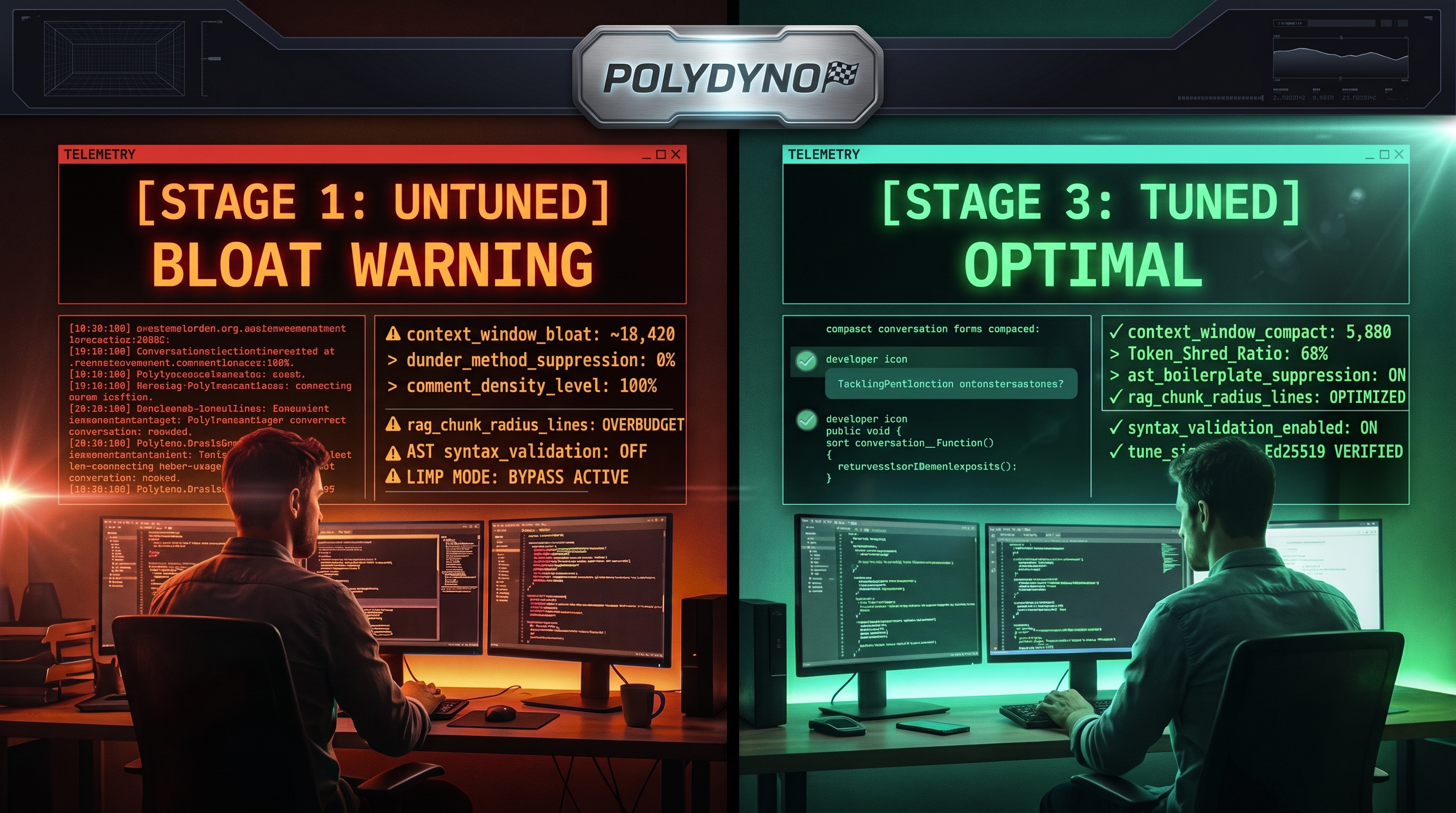
READY ON THE TREE…
Flooded with raw AST bloat, stdlib imports, and unpruned chat history.
Surgically pruned AST payload with deterministic AST knock guardrails & lossless rehydration.
Prove, calibrate, and execute token shred—from open benchmark to signed maps to local runtime.
The open-source dynamometer for LLMs. Strap your prompts to the bench and prove your token shred and drift turn limits.
Explore Polydyno → 02 // THE SLIDERSCloud portal for 8 Master AST tables and 36 micro-dials. Calibrate compression and mint Ed25519-signed tune.jwt maps.
Open Calibration Bench → 03 // THE BLACK BOXStandalone local execution engine. Auto-wires into Cursor/VS Code via MCP or runs as a local HTTP proxy on 127.0.0.1:8000.
Inspect Runtime & Modes →Polydyno → ECU runtime (starter tune included) → Tuning House dials.
STEP 01
Audit your Python repo on the Polydyno bench—measure input/output prompt_tokens drift and prove AST-eligible context bloat before you rewire agents or buy seats.
Get PolydynoSTEP 02
Download Polycracker_Setup.exe (v1.1.0) on Windows, 1-click MCP auto-wire for installed IDEs, and run surgical Python AST compression locally—with automatic pass-through for every non-Python file type.
Download Polycracker ECUSTEP 03
Your ECU already includes a free starter tune out of the box. Want to see how much more you can save? Launch Tuning House to sign up for a free $0 Polycracker Sandbox account (includes $5 in Polycracker Core credits) and play with all the micro and macro dials.
Launch Tuning House · Free SandboxSolo devs: download ECU and create a Sandbox account—no sales intake required.
Quick answers for engineering leads — deep dives in our technical guides.
Run Polycracker ECU local AST intake to strip boilerplate, MCP bloat, and RAG noise before frontier models see your repo—teams typically cut billed input tokens 50–70% without switching model tiers. Calibrate maps in The Tuning House and verify savings in Polydyno. See how to decrease LLM token usage.
Use Polydyno to benchmark Stock vs Tuned pulls per repository: log usage.prompt_tokens and
usage.completion_tokens on every turn, then compare cost and semantic fidelity after ECU compression. See
how to test LLM token usage.
Cap autonomous loops, enforce compact diff output, and enable knock-sensor guardrails in tune.jwt maps so agents cannot burn
multi-turn retries on full-file rewrites. See stop AI agent thrashing.
Polycracker ECU processes code on your Windows machine. Only pruned, policy-approved context is forwarded to your existing cloud or on-prem endpoints—no wholesale repo upload to Polycracker servers. See zero-telemetry local LLM proxy and our privacy policy.